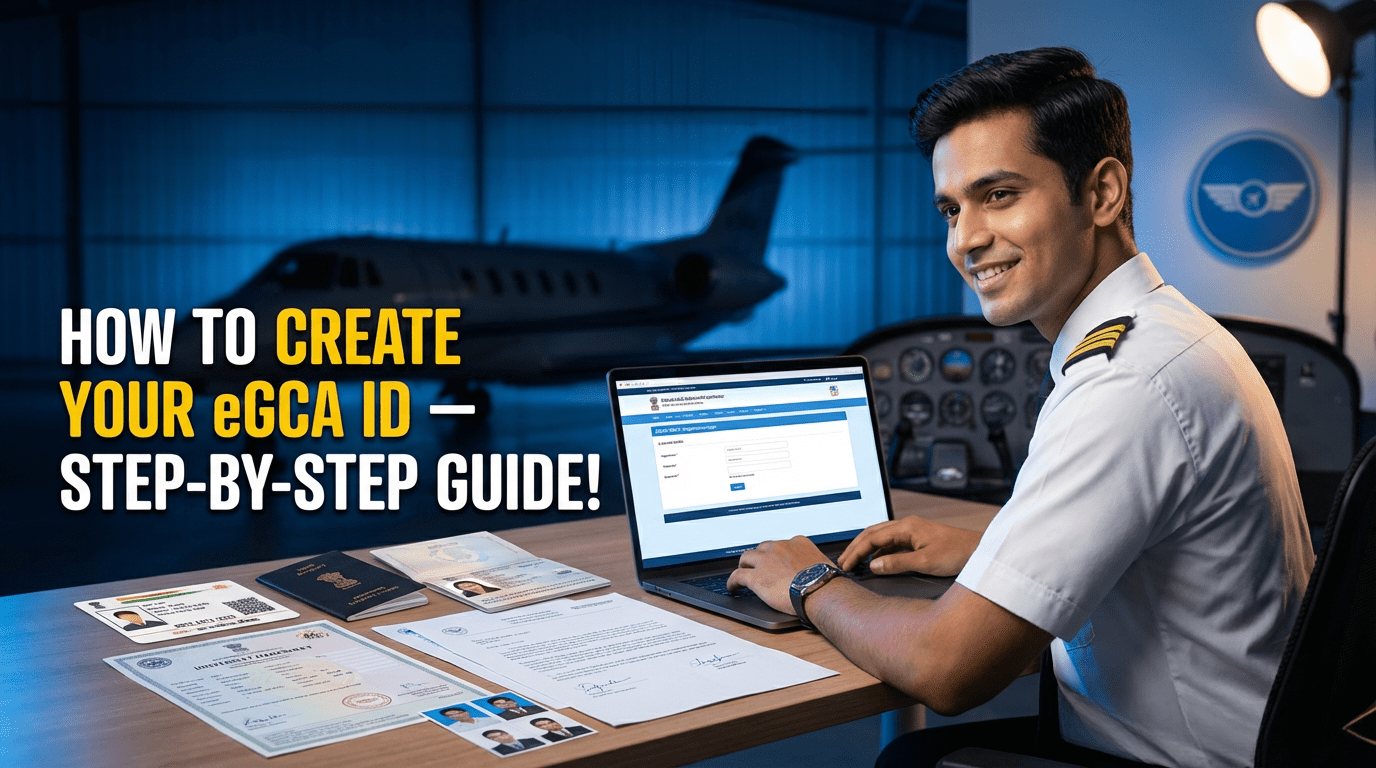
How to Create an eGCA ID — Step-by-Step Guide (Documents, Requirements & DGCA Prerequisites)
The Ultimate Guide for Indian Student Pilots
Creating an eGCA ID is the very first step for anyone who wants to become a pilot in India. Whether you’re starting your aviation career, preparing for DGCA exams, applying for your Class 1/2 medicals, or planning to join a flying school, your eGCA login will be required for every DGCA service.
This simple, updated guide explains the complete step-by-step process to create an eGCA ID, along with required documents, eligibility, and common mistakes to avoid. Perfect for CPL, PPL, DGCA exam aspirants, and student pilots across India.
Follow this updated process for 2025:
What Is eGCA and Why Do Student Pilots Need It?
The eGCA portal (Digital e-Governance system by DGCA India) is used for:
- Pilot profile creation
- DGCA exam applications
- Class 1 & Class 2 medical record tracking
- Flight training updates
- Licence issue & renewal (CPL, PPL, ATPL)
- Instructor ratings, RTR updates, and more
Your eGCA ID becomes your lifelong digital identity as a pilot in India.
Quick Summary — What You Will Get After Registration
Once you complete the eGCA registration, you receive:
- A valid eGCA username & password
- Access to all DGCA pilot services
- A digital profile linked to your medicals, exams, and future licenses
Most students receive their eGCA login within minutes, though in rare cases it may take several hours.
Prerequisites Before Applying for Your eGCA ID
Make sure you meet these basic requirements before you start the registration.
✔ 1. Minimum Age Requirement
You must be 16 years or older to create an eGCA ID as an aspirant pilot.
✔ 2. Active Mobile Number & Email ID
Both must be:
- Active
- Not registered previously on eGCA
- Accessible for OTP verification
✔ 3. Scanned Documents Ready (PDF/JPG)
Keep clean, readable scans of:
- Identity proof
- Address proof
- Photograph
- Signature
- Class 10 marksheet
✔ 4. PMR Number (Only for Existing Pilots)
If you are already a pilot and have a PMR (Previous Medical Record), keep it ready.
Otherwise, select NO during registration.
These prerequisites ensure a smooth and fast registration process.
Documents Required for eGCA Registration
Your documents must be clear, readable, and in PDF/JPG format.
Below is the official list of accepted documents, and at least one from each category is required.
🆔 Identity Proof (Choose Any One)
- Aadhaar Card
- Passport
- Driving Licence
- Voter ID / EPIC
- PAN Card
- Government/PSU Employee ID
- Defence Dependent ID (if applicable)
- Ration Card with photo
📍 Address Proof (Choose Any One)
- Passport
- Driving Licence
- Voter ID
- Ration Card
- Government Health Card
- Any proof accepted on the portal screen
🖼 Other Mandatory Uploads
- Passport-size photograph (clear, recent)
- Digital signature (scanned on white paper)
- Class 10th marksheet/certificate (mandatory for educational verification)
📸 Uploading Tips for Better Approval
- Scan at 300 DPI if possible
- Ensure edges are not cropped incorrectly
- Ensure the photo & signature are not tilted
- Use good lighting
Poor-quality documents are the #1 reason for eGCA rejections.
After Creating Your eGCA ID — What to Do Next?
Step 1 — Visit the Official eGCA Portal
Open: https://www.dgca.gov.in/digigov-portal/ Click eGCA Login / Sign Up. Always use the official DGCA website to avoid fake sites.
Step 2 — Click “Sign Up” / “New User Registration”
Choose your category:
- PILOT / Aspirant Pilot (most students)
- Remote Pilot (for drone operator licence holders)
Step 3 — Enter Basic Details
Fill in:
- Full name
- Date of Birth
- Nationality
- Gender
- PMR Number (if you have one)
- Mobile number
- Email ID
Step 4 — Fill Personal Information
Provide:
- Permanent & correspondence address
- Father/Guardian name (if requested)
- ID proof type selected
Step 5 — Upload Documents
Upload in JPG/PDF format:
- ID proof
- Address proof
- 10th marksheet
- Passport-size photo
- Signature
Step 6 — Verify OTP (Email + Mobile)
You will receive two OTPs:
- One on your email
- One on your mobile
Step 7 — Final Review & Submit
Double-check:
- Name spelling
- Date of Birth
- Document numbers
- Uploaded files
Step 8 — Receive Your eGCA ID
Once approved, you will receive your:
- eGCA username
- Initial password or activation link
Step-by-Step Guide: How to Create Your eGCA ID
Once logged in, you can:
- Update your complete pilot profile
- Apply for DGCA Class 2 / Class 1 Medicals
- Track medical status
- Apply for CPL/PPL exams
- Update flying logbook & training details
- Apply for licences, ratings, renewals
This ID is essential throughout your entire pilot career.
Common Issues & How to Fix Them
❌ Error: “Email or mobile already registered”
Use another email/number or try “Forgot eGCA ID”.
❌ Document quality rejected
Rescan your documents clearly with proper lighting.
❌ Existing pilot but no PMR
Register as Aspirant Pilot and later request PMR merging.
Useful eGCA Resources & Official Links
eGCA Login/Signup:
https://www.dgca.gov.in/digigov-portal/jsp/dgca/common/login.jsp
DGCA Main Website:
https://www.dgca.gov.in/digigov-portal/
Pilot Registration Manual (DGCA PDF):
https://www.dgca.gov.in/digigov-portal/jsp/dgca/homePage/viewPDF.jsp?page=topHeader/eGCA%20User%20Manual_Pilot%20Registration%20Process.pdf
✈ Final Tips From Our Pilot Training Institute
- Use an email & number you always access — DGCA sends exam alerts here.
- Keep all soft copies ready before applying.
- Ensure the same name spelling across Aadhaar, Passport & Class 10 documents.
- Always use the official DGCA website for registration.