admin@pilottraininginstitute.in

Uncategorized

How to Apply for DGCA Pilot Examinations — Step-by-Step Guide (Updated 2025)

✈️ How to Apply for DGCA Pilot Examinations — Step-by-Step Guide (Updated 2025) A simple guide for student pilots on how to apply for DGCA CPL / ATPL exams through the DGCA Pariksha portal. Applying for DGCA exams is very straightforward once you understand the process. This guide explains exactly how to apply, how to select subjects, how to choose exam centres and how to download your admit card. ⭐ Before You Start — What You Actually Need You only need two things to apply for DGCA exams: 1. A DGCA Computer Number This is mandatory for all candidates. If you don’t have one, apply first at: https://pariksha.dgca.gov.in 2. A working email ID and mobile number DGCA will send exam notifications, updates and login details to these. No medical is required to appear for DGCA examinations. No scanned documents are required for exam application. 📝 Step-by-Step: How to Apply for DGCA Pilot Exams (2025 Process) STEP 1 — Visit the DGCA Examination Portal Go to: https://pariksha.dgca.gov.in Log in using your Computer Number and Password.If you are new, click “Register” and create your login. STEP 2 — Update Your Profile (If Needed) Before applying for exams, check the following: Your photo and signature (uploaded during computer number issuance) Your personal details (name, date of birth, category etc.) Your contact details (email & mobile)   You do not need to upload: medicals scanned documents educational certificates Profile details must be correct because they appear on your exam records. STEP 3 — Select “Apply for Examination” Inside the dashboard, click: Apply for Examination → Exam Session Select the exam session currently open. You will now see the available subjects and exam centres. STEP 4 — Choose Your Subjects Select the subjects based on your licence or exam goals: CPL Candidates Usually Apply For: Air Regulations Aviation Meteorology Air Navigation Technical General  Technical Specific ATPL Candidates Apply For: Radio Aids & Instruments Navigation Meteorology Choose the papers you want to attempt for that session. STEP 5 — Choose Your Exam City & Centre You can choose from major DGCA Regular session exam centres such as: Delhi Mumbai Chennai Hyderabad Bengaluru Kolkata Lucknow Guwahati Bhopal Ahmedabad Centres fill up quickly, so apply as early as possible. STEP 6 — Review Your Application Check the summary page showing: Subjects chosen Exam city Exam dates Fee details Confirm all information carefully before payment. STEP 7 — Pay the Examination Fee Pay securely via: UPI Net banking Debit/credit card Once payment is successful, you will receive: Payment receipt Confirmation of your exam application STEP 8 — Download Your Admit Card Admit cards are released 7–10 days before the exam. Go to: Dashboard → Admit Card Download and print it. Make sure the details on the admit card (name, subjects, centre) are correct. STEP 9 — Appear for the DGCA Exam On exam day: Carry your admit card Carry a valid government ID Reach at least 45–60 minutes early Follow DGCA exam rules inside the centre All exams are conducted on a computer under supervision. STEP 10 — Check Your Results Results are published on the same portal: https://pariksha.dgca.gov.in Go to: Dashboard → Results You can view and download your scorecard instantly. Common Mistakes to Avoid ✔ Waiting too long to apply — centres fill fast ✔ Selecting wrong subject codes ✔ Forgetting to check email/SMS for updates ✔ Reaching the centre late ✔ Not carrying original ID proof Stay prepared to avoid unnecessary stress. Final Summary: DGCA Exam Application Is Simple To apply for DGCA exams in 2025, you only need to: Get your Computer Number Log in at pariksha.dgca.gov.in Select subjects Choose city Pay the fee Download admit card Attend the exam Check results  No medical. No documents. No complex requirements. Once you understand the system, the process takes less than 5 minutes. Start Your Pilot Journey with Capt. Himanshu Goyal – Pilot Training Institute
Uncategorized

DGCA Class 1 Medical – Complete Guide for Indian Student Pilots (2025 Updated)

DGCA Class 1 Medical – Complete Guide for Indian Student Pilots (2025 Updated) If you’re aiming for a Commercial Pilot Licence (CPL) in India, obtaining your DGCA Class 1 Medical is one of the most crucial steps. Class 1 Medical ensures you meet the physical and mental fitness standards required for commercial flying and airline operations. This guide explains the requirements, process, documents, costs, and important mistakes to avoid so that your approval happens smoothly without delays. What Is DGCA Class 1 Medical? A DGCA Class 1 Medical is the highest level of medical fitness requirement for pilots in India. It is mandatory for: ✔ CPL holders ✔ Airline cadets ✔ Type-rating candidates ✔ Anyone seeking to fly commercially ⭐ Before You Begin – Important Preparations Students Often Miss Many students face delays of several months simply because they do not prepare correctly. Keep these points before booking your Class 1 Medical: 1. Make sure you already have your Class 2 Medical certificate You cannot book a Class 1 medical without a PMR number, which is issued only after Class 2 approval.Class 2 approval itself may take 3–4 months, so plan early. 2. Fill the physical medical form carefully Ensure everything is correct, updated, and with no spelling mistakes.Even a small mistake in name, address, or date of birth can lead to medical rejection or delay. 3. Confirm with your doctor whether tests require fasting Different centers follow different protocols.If you arrive without fasting for a fasting-required test, your medical will be postponed to the next day. 4. Avoid smoking or drinking 72 hours before the medical Alcohol and nicotine affect your vitals, ECG, blood tests, and blood pressure.To avoid rejection or retest, stay clean for at least 3 days before medical day. 5. Ensure name accuracy on all medical tests Your name must match exactly with your Aadhar/Passport.Avoid using unnecessary suffixes like “ji”, “singh”, “kumar” if they are not in your official documents. 6. Understand the expected medical cost The cost varies by centre: Private hospitals: ~ ₹20,000 Indian Air Force (IAF): ~ ₹10,000     Who Can Conduct DGCA Class 1 Medical? Class 1 medicals are done only at: DGCA-approved Class 1 examiners IAF Boarding Centres (Delhi, Bengaluru, Mumbai, East Jorhat etc.) Private hospitals must be DGCA-approved.     Documents Required Prepare the following:   Aadhar card or other valid ID (make sure it matches all forms) Class 2 Medical certificate PMR number Previous medical records (if any) Spectacle prescription (if you wear glasses) Passport-size photos DGCA Class 1 Medical Tests The testing varies slightly between centers but commonly includes: Physical examination Vision tests (distant, near, colour vision, slit lamp, eye pressure) ECG, EEG, and TMT Chest X-ray Audiometry (hearing test) Urine & blood tests Haemoglobin and sugar tests BMI and general fitness evaluation   If required, the doctor may ask for follow-up tests. Validity of Class 1 Medical For candidates under 40 years: Valid for 12 months For candidates above 40 years: Valid for 6 months   How to Apply for DGCA Class 1 Medical – Step-by-Step Process Step 1: Get Your Class 2 Medical & PMR Number This must be done before anything else.Use the PMR to schedule your Class 1 examination.     Step 2: Choose a DGCA-Approved Center Select between an IAF centre or a private DGCA-approved aviation medical examiner depending on availability and your budget.     Step 3: Fill the Physical Medical Form Carefully Write accurate name, date of birth, address, and contact details.Incorrect forms often lead to application rejection.     Step 4: Call the Medical Examiner Ask the doctor: Whether fasting is required Appointment availability What documents to bring This avoids unnecessary repeat visits.     Step 5: Complete All Medical Tests Carry your ID proof and Class 2 certificate.Avoid smoking/drinking 72 hours prior and stay hydrated.     Step 6: Clearance & Issuance Once tests are reviewed and found satisfactory, the doctor forwards your file to DGCA for approval.DGCA uploads your Class 1 medical status to your eGCA account. Common Mistakes Student Pilots Must Avoid   Filling incorrect name/spelling on medical forms Not checking whether tests require fasting Going for medical after smoking or drinking Doing Class 2 late and delaying PMR issue Using names or suffixes not in documents Forgetting ID proofs Not keeping copies of all medical reports Final Advice Getting your DGCA Class 1 Medical is not difficult, but delays happen because of poor planning. If you prepare your documents correctly, follow medical instructions, avoid alcohol/smoking, and plan early – the process becomes smooth and stress-free. Your Class 1 Medical is the foundation of your aviation career, so take it seriously and plan ahead. Check the list of DGCA approved doctors for Initial and renewal of Class 1 medicalhttps://www.dgca.gov.in/digigov-portal/?page=jsp/dgca/InventoryList/personal/medical/class1/Class1.pdf

Uncategorized

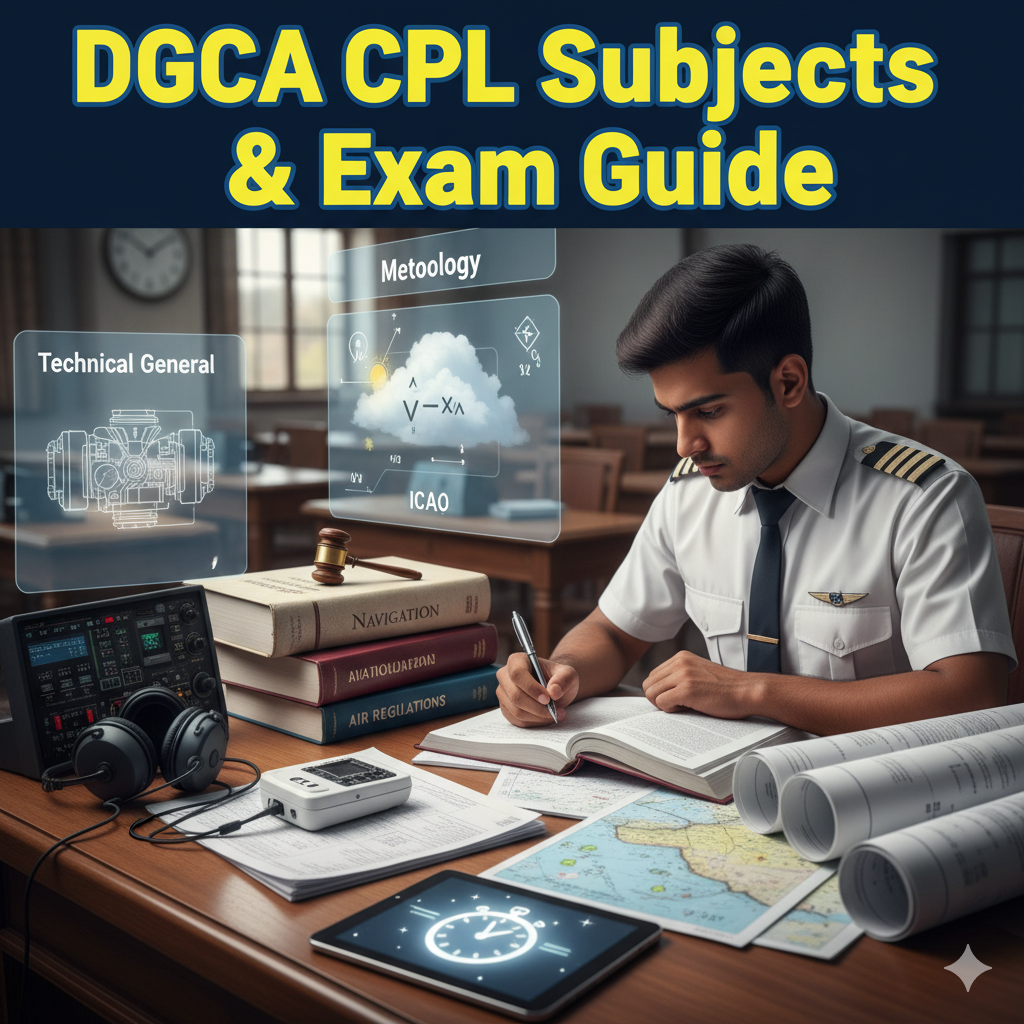
DGCA CPL Subjects – Complete Guide (Syllabus, Books, Exam Pattern & Passing Marks)

DGCA CPL Subjects – Complete Guide (Syllabus, Books, Exam Pattern & Passing Marks) If you’re planning to become a Commercial Pilot in India, clearing the DGCA CPL theory exams is one of the first and most important steps. This guide covers every subject, the syllabus, the best books to study from, the exam duration, the number of questions, and the passing criteria — everything explained simply for student pilots. CPL Theory Subjects under DGCA To obtain a Commercial Pilot Licence in India, you must clear the following six DGCA theory papers, along with the RTR(A) exam conducted by WPC. Air Navigation Meteorology Air Regulations Technical General Technical Specific RTR(A) – Radio Telephony (Aero)   These form the core knowledge required for safe flight operations and future airline preparation. 1. Air Navigation – Syllabus, Books & Exam Pattern Air Navigation is one of the most detailed DGCA subjects. The syllabus includes flight planning, time calculations (UTC, IST, LMT), great circle and rhumb line navigation, position fixing, radio navigation aids like VOR, DME, ADF, ILS, and the use of aviation charts. Students also learn drift correction, ETA/ETD calculations, fuel planning, and basic instrument navigation. For this subject, the best books are RK Bali (Air Navigation), Oxford Navigation, and Keith Williams.. Ground school notes are also highly recommended. The exam usually has around 100 multiple-choice questions, the duration is three hours, and the passing mark is 70%. Since there is no negative marking, students should attempt all questions.   CX -3 and scientific calculator is allowed 2. Aviation Meteorology – Syllabus, Books & Exam Details Meteorology covers the atmosphere, pressure systems, winds, temperature variations, cloud formation, stability and instability, fronts, jet streams, thunderstorms, icing, fog, turbulence, and aviation weather forecasting. Students also learn how to interpret METARs, TAFs, wind charts, significant weather charts, and upper-air charts. Recommended books include I.C Joshi, Oxford and notes from reputable DGCA ground schools. The exam generally contains 50 MCQs, and the time given is two hours. The student must score 70% or more to pass. This exam is theory-heavy but scoring if concepts are clear.   Scientific calculator not allowed 3. Air Regulations – Syllabus, Books & Exam Pattern Air Regulations covers Conventions, Indian aviation laws, ICAO rules, airspace classification, pilot responsibilities, licensing rules, flight rules, ATC procedures, aircraft registration, enforcement procedures, emergencies, and search and rescue. The best reference is RK Bali Air Regulations, along with DGCA’s own CARs (Civil Aviation Requirements) and mock test guides. The exam contains 50 MCQs, lasts two hours, and requires a minimum of 70% for passing. This is considered one of the crucial DGCA subjects if studied correctly 4. Technical General Technical General includes aerodynamics, forces acting on an aircraft, stability, aircraft structures, systems (fuel, electrical, hydraulics, environmental, avionics), electrical piston and turbine engines and propellers. Top books include Oxford, Electrics, Airframes and Systems, Powerplant & Principle of Flights The exam generally has about 100 questions, with a duration of three hours, and the passing mark is 70%. This is one of the more detailed subjects, requiring consistent study and conceptual understanding 5. Technical Specific (Aircraft Type Specific) Technical Specific is based on the specific aircraft you have flown during your CPL training. The syllabus includes that aircraft’s systems, performance charts, operating limitations, weight and balance, fuel system, emergency procedures, and avionics. The only book required is the aircraft’s POH (Pilot Operating Handbook) or AFM (Aircraft Flight Manual). Ground school modules for the specific aircraft type are also important. The exam usually contains 50 questions, lasts two hours, and passing requires 70% or higher. 6. RTR(A) – Radio Telephony RTR(A) is now conducted by DGCA. The exam checks your radio communication skills, aviation phraseology, emergency communication, and ability to handle real-time ATC situations. It includes a written examination, followed by a viva and practical test. Study material includes WPC’s RTR syllabus, aviation communication manuals, and plenty of practice of standard phraseology. Exam Validity & Attempt Rules Once you pass a DGCA subject, your result remains valid for 5 years toward CPL issue. Students may retake any failed subject as many times as needed because there is no attempt limit. Since DGCA exams do not have negative marking, it is always advisable to attempt every question. Preparation Strategy for DGCA CPL Exams Aviation subjects require both understanding and practice. Navigation and Technical General need regular numerical practice, while Regulations and Meteorology require conceptual clarity. Students are advised to join a good ground school, follow a structured timetable, and solve plenty of mock tests. Always revise RK Bali, Jeppesen, and Oxford materials thoroughly. Mock tests help with time management, and reviewing DGCA CARs is essential for the Regulations paper. For RTR(A), students should practice listening and speaking daily using sample ATC scenarios. Final Thoughts   The DGCA CPL exams may seem challenging at first, but with the right books, a disciplined study plan, and consistent practice, clearing all six subjects becomes manageable. Aim for a strong foundation instead of just passing — this theoretical knowledge directly contributes to safe flying and future airline success. Link for DGCA examination guidelines: https://www.pariksha.dgca.gov.in/PDFViewer.jsp?pdf=518508

Uncategorized

CPL Done… What Next? Top Methods to Build Flying Hours Quickly & Affordably (India Guide)

CPL Done… What Next? Top Methods to Build Flying Hours Quickly & Affordably (India Guide) So you’ve finally earned your Commercial Pilot Licence (CPL) — congratulations! But the journey doesn’t stop here. To qualify for airline applications and stay legally “current,” pilots must keep flying regularly and build sufficient hours, especially PIC (Pilot-in-Command) time. This blog explains the most effective, affordable, and realistic ways to build flying hours in India (and abroad) after getting your CPL. 1. Rent an Aircraft at a Flying Club (Most Common Option) After CPL, the simplest way to build hours is renting a single-engine aircraft at your flying school or local flying clubs. Rates usually range between ₹10,000 to ₹18,000 per hour depending on the aircraft model, state, and fuel cost. If you can join with classmates and plan structured cross-countries, you save time and cost. 2. Join Flight Schools as a Safety Pilot or Co-Pilot Many flight schools allow CPL holders to assist instructors during ferry flights, repositioning flights, or long navigation exercises. This helps you build hours at reduced cost — sometimes ₹5,000–₹8,000 per hour, depending on the school. 3. Time-Building Packages in India Some academies offer bulk flying hour packages where booking 50–100 hours together gives up to 10–20% discount. Great for building PIC hours fast, especially if you need 200 hours total for airline exams or interviews. 4. Hour Building Abroad (USA, South Africa, Philippines) Many Indian pilots go abroad because hour-building is cheaper and weather is better. Typical cost in the USA ranges from ₹7,000–₹12,000 per hour depending on the state and aircraft. Make sure the flying school abroad is DGCA-approved for logbook acceptance. 5. Become a Flight Instructor (Most Cost-Effective Long-Term Method) If you enjoy teaching, becoming an FI is one of the best ways to build hours — and get paid for flying.  Instructor training costs around ₹8–12 lakh, but once hired, you can build hundreds of hours, which airlines value highly. 6. Apply for Ferry Flights (Great for Real-World Experience) Ferry flights involve repositioning an aircraft from one airfield to another. Some schools charge minimal or shared flying rates for these flights.  You gain tons of navigation experience and long-route exposure. 7. Join Glider Clubs or Microlight Clubs Simulator training is one of the smartest investments a student pilot can make.It improves your learning curve, increases your confidence, sharpens your decision making, and reduces your overall flying cost. Before you begin your CPL flying journey — whether in India or abroad — 10–20 hours of sim training can save you money, time, and stress. 8. Group Flying With Friends Partnering with two or more CPL holders helps reduce hourly cost since you can split navigation task planning, rentals, fuel costs, and landing fees. This is common among pilots who want to complete cross-country requirements efficiently. 9. Volunteer at Flying Clubs or Tow-Plane Operations Some aviation clubs let CPL holders assist with ground briefings, towing operations, and admin work, which can give you discounted rates for flying hours. Not always guaranteed, but worth exploring 9. Volunteer at Flying Clubs or Tow-Plane Operations • Prioritize cross-country flights over local circuits — they build real experience. • Avoid long gaps; fly at least once every 60–90 days to stay current. • Maintain a clean, updated logbook — airlines check this carefully. • Don’t rush; build hours gradually with focused learning. • Choose aircraft with lower rental rates (152, 172, PA-28) for maximum savings. Final Thoughts Building flying hours after CPL can be expensive, but with the right strategy, you can do it efficiently and affordably. Whether you rent aircraft, instruct, fly abroad, or join ferry operations — consistency is key. Every flight hour is a step closer to your airline cockpit dream.

Uncategorized

Why Every Student Pilot Should Do Simulator Training Before Starting Flying (Complete Guide for CPL Aspirants)

Why Every Student Pilot Should Do Simulator Training Before Starting Flying (Complete Guide for CPL Aspirants) Starting your flight training is one of the biggest milestones in your aviation journey. But before you jump into the cockpit, there is one step that can dramatically improve your skills, confidence, and safety — Simulator Training. In India and abroad, more and more students are choosing to complete basic and advanced simulator sessions before their first flying hour, and the benefits are massive. This blog explains why sim training is essential, how it helps you score higher in DGCA exams, how it reduces flying cost, and which simulators are ideal for beginner pilots. What Is Simulator Training for Student Pilots? Simulator training involves practicing real-world flying scenarios on a certified flight simulator. These devices replicate aircraft controls, instruments, environment, and ATC communication — allowing you to learn without burning flying hours. Before starting real flying, simulator training helps you: Understand cockpit layout Learn basic handling Practice checklists Build confidence Reduce fear or overwhelm Save money by reducing mistakes during early flying Why You MUST Do Simulator Training Before Starting Flying 1. Faster Learning Curve When You Start Flying Students who start flying without simulator practice take longer to adjust to: Aircraft controls Radio calls Situational awareness Basic turns, climbs, and descents With simulator training, your first 10 hours of flying become MUCH easier because the basics are already practiced on the ground. 2. Saves You ₹50,000 to ₹2,00,000 in Flying Costs Every extra hour you need because of poor preparation costs money. When you know the basics from simulator practice: You make fewer mistakes Your instructor requires fewer hours to clear exercises Your learning becomes structured Sim training helps you avoid unnecessary repeat lessons, which saves lakhs in the long run. 3. Helps You Perform Better in DGCA CPL Exams Sim sessions strongly reinforce concepts in: Air Navigation Technical General Meteorology Flight Planning Instruments This makes the DGCA exams easier to understand and gives you a practical perspective while studying. 4. Improves Confidence & Reduces Anxiety for First-Time Flyers Many beginners feel nervous during the first few hours of flying. Simulator experience acts as a confidence booster because you already understand how the cockpit feels and responds. You enter flying with: Clear understanding Better hand-eye coordination Familiarity with instruments Muscle memory in controls 5. Perfect for Practicing Emergencies Without Any Risk In the air, emergencies cannot be practiced frequently.In a simulator, you can practice: Engine failure Radio failure Bad weather Navigation diversions System malfunctions This builds solid decision-making skills before you touch the aircraft. 6. Helps You Master Radio Telephony (RTR) Communication Simulator sessions often include: ATC calls Taxi instructions Takeoff clearance Circuit patterns Emergency communication This prepares you early for RTR Part 2, which is mandatory for CPL. 7. Helps You Identify Whether Flying Is Right for You Sim training gives you the closest possible experience to real flying.If you enjoy it and adapt quickly — flying will come naturally.If you feel overwhelmed — you can work on your weak areas before spending money on actual flying. How Many Simulator Hours Should You Do Before Flying? For new pilot students, the ideal range is: 10–20 hours of basic simulator training, and 10+ hours of procedural and advanced sim for Instrument Rating. This prepares you fully for your first few flight lessons and reduces your dependency on instructors. Best Time to Get Your Instrument Rating You can choose from: 1. Basic Procedural Trainers (Affordable) For learning: Checklists Engine start Taxi basics Basic IFR skills 2. 1:1 Scale Simulator (Highly Recommended) Closest to real aircraft flying with: Advanced navigation Emergencies Radio nav aids IFR practice 3. Full Motion Simulators (Premium) Ideal for advanced understanding but optional for beginners, usually for airliners while getting trained for big commercial jet. When to Start Simulator Training? The best time is before flying — ideally just after starting your DGCA exams or right after finishing them. This way: Your theory + simulator + flying becomes perfectly aligned You save time, cost, and effort You avoid struggling with basic handling in the aircraft Final Thoughts Simulator training is one of the smartest investments a student pilot can make.It improves your learning curve, increases your confidence, sharpens your decision making, and reduces your overall flying cost. Before you begin your CPL flying journey — whether in India or abroad — 10–20 hours of sim training can save you money, time, and stress. Start Your Pilot Journey with Capt. Himanshu Goyal – Pilot Training Institute
Uncategorized

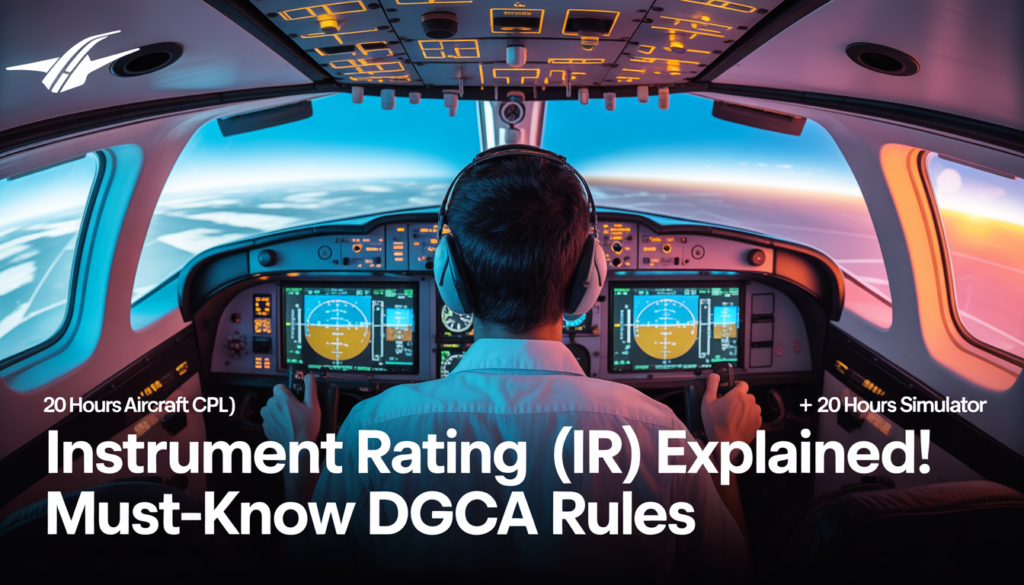
What Is Instrument Rating (IR)? A Complete DGCA Guide for Student Pilots (2025 Updated)

What Is Instrument Rating (IR)? A Complete DGCA Guide for Student Pilots (2025 Updated) An Instrument Rating (IR) is one of the most important add-ons to your flying career. It allows a pilot to fly safely using only instruments, without outside visual reference—crucial for airline operations, bad weather, and IFR flight. If you plan to join an airline or build a strong aviation foundation, getting your IR early is a smart decision. This guide explains IR requirements, DGCA rules, flight hour requirements, simulator allowances, cross-country requirements, and validity criteria — everything simplified for student pilots in India. What Is Instrument Rating? An Instrument Rating authorizes a pilot to fly under Instrument Flight Rules (IFR). This means navigating, controlling, and operating the aircraft using cockpit instruments only. It trains you to handle clouds, bad visibility, and complex airspace professionally. IR is mandatory for anyone aiming for:   ✔ Airline jobs ✔ Multi-engine IFR operations ✔ Advanced flying roles ✔ Safer all-weather flying DGCA Requirements for Instrument Rating (2025 Latest) DGCA has clear requirements for flight time, instrument time, simulator use, and cross-country experience. Here’s everything you must know.   1. Instrument Flying Requirement – 50 Hours Total DGCA requires 40 hours of instrument time. Breakup of Instrument Hours Minimum 20 hours must be done on an actual aircraft. Remaining 20 hours can be completed on an approved simulator. Using a simulator for 20 hours makes IR training far more cost-efficient, while still meeting DGCA standards. Recent Instrument Hours Requirement Minimum 5 hours of instrument time must be completed within 6 months before applying for the IR.   2. Cross-Country Requirement for IR To apply for Instrument Rating: Minimum 40 Hours PIC Cross-Country (Mandatory) You must complete not less than 40 hours of cross-country flight time as Pilot-in-Command (PIC). 300 NM Cross-Country Flight Requirement Your PIC cross-country record must include: One cross-country flight of at least 300 nautical miles, With full-stop landings at two different aerodromes. Important DGCA Rule (Most Students Miss This!) For ANY cross-country to count: The distance between point of departure and destination or overflown point MUST be more than 100 NM. Anything less than 100 NM will not be counted by DGCA. This is one of the most common reasons applications get delayed — so plan your PIC flights properly.     Why Instrument Rating Is So Important IR training builds critical skills like: Handling low-visibility conditions Navigating using instruments alone Understanding IFR procedures Conducting precision/non-precision approaches Operating safely in controlled airspace   Airlines give higher preference to CPL holders with strong IR training because it shows discipline, precision, and confidence. Best Time to Get Your Instrument Rating You should complete your IR immediately after CPL or during time-building, because:   Your instrument flying skills stay fresh Your simulator hours stay valid IR is required for airline entrance exams and Type Rating Delaying IR increases cost and effort Final Thoughts Instrument Rating is one of the most valuable qualifications in your flying journey. By planning your cross-country flights correctly and utilizing simulators effectively, you can complete your IR efficiently and economically.   A well-completed IR not only improves your safety and confidence but also brings you a step closer to airline flying. Start Your Pilot Journey with Capt. Himanshu Goyal – Pilot Training Institute
Uncategorized

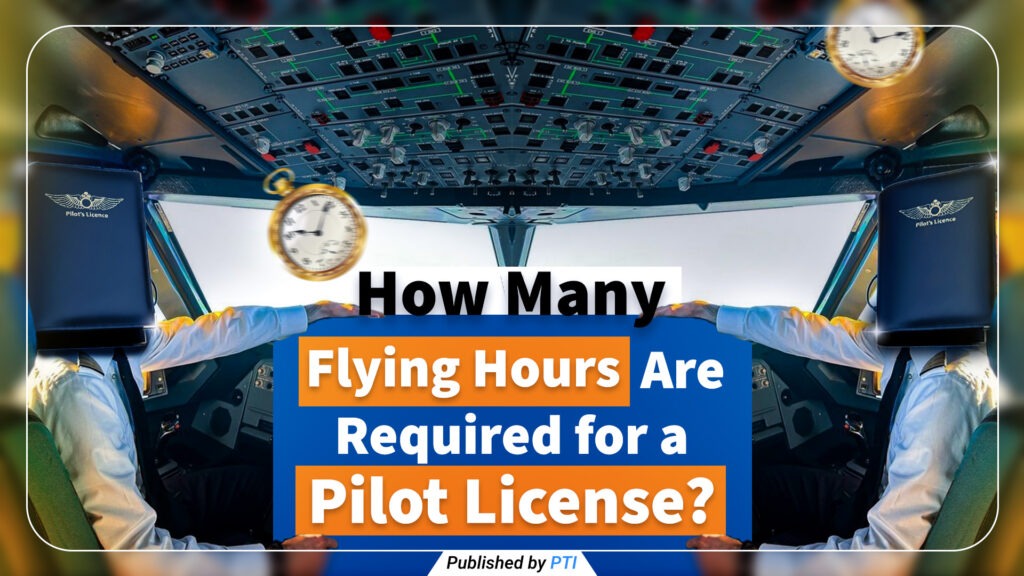
How Many Flying Hours Are Required for a Pilot License? – Copy

How to Create an eGCA ID — Step-by-Step Guide (Documents, Requirements & DGCA Prerequisites) Creating an eGCA ID is the very first step for anyone who wants to become a pilot in India. Whether you’re starting your aviation career, preparing for DGCA exams, applying for your Class 1/2 medicals, or planning to join a flying school, your eGCA login will be required for every DGCA service.   This simple, updated guide explains the complete step-by-step process to create an eGCA ID, along with required documents, eligibility, and common mistakes to avoid. Perfect for CPL, PPL, DGCA exam aspirants, and student pilots across India. ⭐ What Is eGCA and Why Do Student Pilots Need It? The eGCA portal (Digital e-Governance system by DGCA India) is used for: Pilot profile creation DGCA exam applications Class 1 & Class 2 medical record tracking Flight training updates Licence issue & renewal (CPL, PPL, ATPL) Instructor ratings, RTR updates, and more Your eGCA ID becomes your lifelong digital identity as a pilot in India.     🔍 Quick Summary — What You Will Get After Registration Once you complete the eGCA registration, you receive: A valid eGCA username & password Access to all DGCA pilot services A digital profile linked to your medicals, exams, and future licenses Most students receive their eGCA login within minutes, though in rare cases it may take several hours. ✅ Prerequisites Before Applying for Your eGCA ID Make sure you meet these basic requirements before you start the registration. ✔ 1. Minimum Age Requirement You must be 16 years or older to create an eGCA ID as an aspirant pilot. ✔ 2. Active Mobile Number & Email ID Both must be: Active Not registered previously on eGCA Accessible for OTP verification ✔ 3. Scanned Documents Ready (PDF/JPG) Keep clean, readable scans of: Identity proof Address proof Photograph Signature Class 10 marksheet ✔ 4. PMR Number (Only for Existing Pilots) If you are already a pilot and have a PMR (Previous Medical Record), keep it ready. Otherwise, select NO during registration.   These prerequisites ensure a smooth and fast registration process. 📄 Documents Required for eGCA Registration Your documents must be clear, readable, and in PDF/JPG format. Below is the official list of accepted documents, and at least one from each category is required.     🆔 Identity Proof (Choose Any One) Aadhaar Card Passport Driving Licence Voter ID / EPIC PAN Card Government/PSU Employee ID Defence Dependent ID (if applicable) Ration Card with photo     📍 Address Proof (Choose Any One) Passport Driving Licence Voter ID Ration Card Government Health Card Any proof accepted on the portal screen     🖼 Other Mandatory Uploads Passport-size photograph (clear, recent) Digital signature (scanned on white paper) Class 10th marksheet/certificate (mandatory for educational verification) 📸 Uploading Tips for Better Approval Scan at 300 DPI if possible Ensure edges are not cropped incorrectly Ensure the photo & signature are not tilted Use good lighting   Poor-quality documents are the #1 reason for eGCA rejections. 🧭 Step-by-Step Guide: How to Create Your eGCA ID Step 1 — Visit the Official eGCA Portal Open: https://www.dgca.gov.in/digigov-portal/ Click eGCA Login / Sign Up. Always use the official DGCA website to avoid fake sites.     Step 2 — Click “Sign Up” / “New User Registration” Choose your category: PILOT / Aspirant Pilot (most students) Remote Pilot (for drone operator licence holders)     Step 3 — Enter Basic Details Fill in: Full name Date of Birth Nationality Gender PMR Number (if you have one) Mobile number Email ID ➡ Make sure your email & phone number are not already registered.     Step 4 — Fill Personal Information Provide: Permanent & correspondence address Father/Guardian name (if requested) ID proof type selected ➡ Spelling on your form must match your ID documents exactly.     Step 5 — Upload Documents Upload in JPG/PDF format: ID proof Address proof 10th marksheet Passport-size photo Signature Each file must meet DGCA’s size limits.     Step 6 — Verify OTP (Email + Mobile) You will receive two OTPs: One on your email One on your mobile Enter them correctly. If the OTP doesn’t arrive, use Resend OTP or check the spam folder.     Step 7 — Final Review & Submit Double-check: Name spelling Date of Birth Document numbers Uploaded files Then submit the application.     Step 8 — Receive Your eGCA ID Once approved, you will receive your: eGCA username Initial password or activation link   Save these details securely. 🔗 Useful eGCA Resources & Official Links eGCA Login/Signup: https://www.dgca.gov.in/digigov-portal/jsp/dgca/common/login.jsp DGCA Main Website: https://www.dgca.gov.in/digigov-portal/ WATCH YOUTUBE VIDEO TO CREATE EGCA ID: https://youtu.be/PXwK8bRoruc?si=zQ14YnKzIUy7NRLA Start Your Pilot Journey with Capt. Himanshu Goyal – Pilot Training Institute
Scroll to Top
Call Now Button