You only need two things to apply for DGCA exams:
 1. A DGCA Computer Number
This is mandatory for all candidates.
If you don’t have one, apply first at:
 https://pariksha.dgca.gov.in
2. A working email ID and mobile number
DGCA will send exam notifications, updates and login details to these.
 No medical is required to appear for DGCA examinations. No scanned documents are required for exam application.
STEP 1 — Visit the DGCA Examination Portal
Go to:
Log in using your Computer Number and Password.
If you are new, click “Register” and create your login.
STEP 2 — Update Your Profile (If Needed)
Before applying for exams, check the following:
Your photo and signature (uploaded during computer number issuance)
Your personal details (name, date of birth, category etc.)
Your contact details (email & mobile)
You do not need to upload:
 medicals
scanned documents
educational certificates
Profile details must be correct because they appear on your exam records.
STEP 3 — Select “Apply for Examination”
Inside the dashboard, click:
 Apply for Examination → Exam Session
Select the exam session currently open.
You will now see the available subjects and exam centres.
STEP 4 — Choose Your Subjects
Select the subjects based on your licence or exam goals:
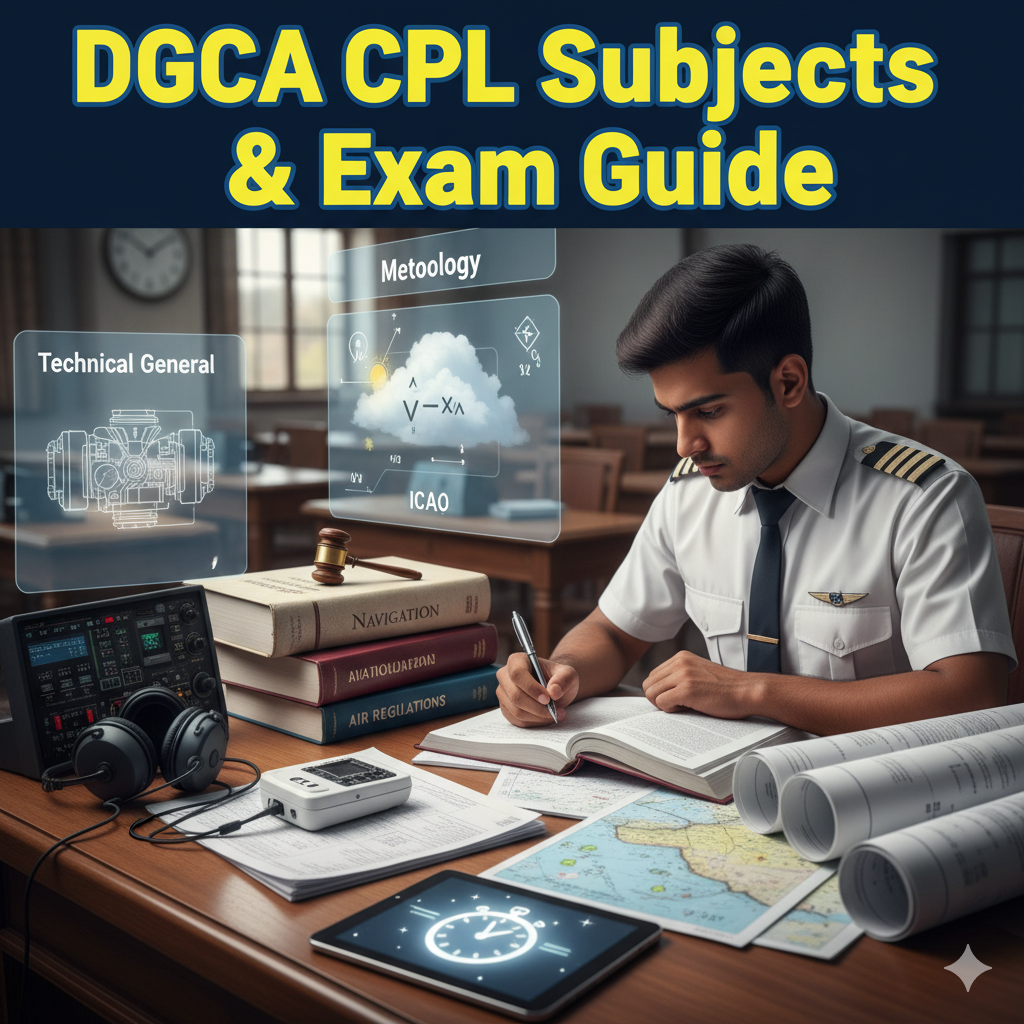
CPL Candidates Usually Apply For:
Air Regulations
Aviation Meteorology
Air Navigation
Technical General
- Technical Specific
ATPL Candidates Apply For:
Radio Aids & Instruments
Navigation
Meteorology
Choose the papers you want to attempt for that session.
STEP 5 — Choose Your Exam City & Centre
You can choose from major DGCA Regular session exam centres such as:
Delhi
Mumbai
Chennai
Hyderabad
Bengaluru
Kolkata
Lucknow
Guwahati
Bhopal
Ahmedabad
Centres fill up quickly, so apply as early as possible.
STEP 6 — Review Your Application
Check the summary page showing:
Subjects chosen
Exam city
Exam dates
Fee details
Confirm all information carefully before payment.
STEP 7 — Pay the Examination Fee
Pay securely via:
UPI
Net banking
Debit/credit card
Once payment is successful, you will receive:
Payment receipt
Confirmation of your exam application
 STEP 8 — Download Your Admit Card
Admit cards are released 7–10 days before the exam.
Go to:
Dashboard → Admit Card
Download and print it.
Make sure the details on the admit card (name, subjects, centre) are correct.
 STEP 9 — Appear for the DGCA Exam
On exam day:
Carry your admit card
Carry a valid government ID
Reach at least 45–60 minutes early
Follow DGCA exam rules inside the centre
All exams are conducted on a computer under supervision.
 STEP 10 — Check Your Results
Results are published on the same portal:
Go to:
Dashboard → Results
You can view and download your scorecard instantly.
To apply for DGCA exams in 2025, you only need to:
Get your Computer Number Log in at pariksha.dgca.gov.in Select subjects Choose city Pay the fee Download admit card Attend the exam Check results
No medical.
No documents.
No complex requirements.
Once you understand the system, the process takes less than 5 minutes.